Mossumi plant care app design and development
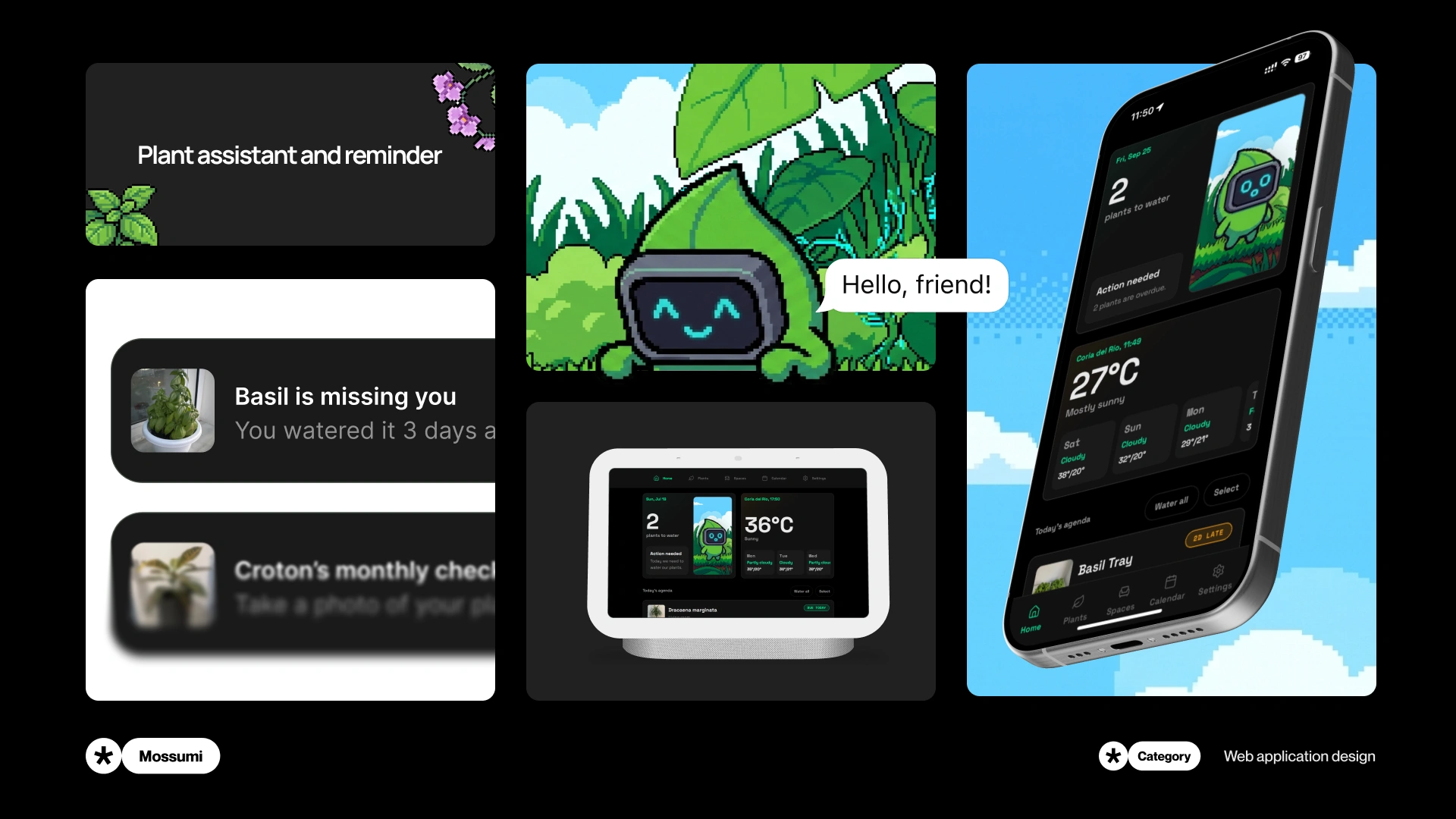
Design and development of Mossumi, a plant care web app. Explore the UX behind watering flows, plant spaces and automation, from interface to backend.
Overview
From my idea to a fully working web applicaiton
Mossumi started with a problem I had with my own plants. I designed and developed it into a working web app where I can keep track of watering, organise plants by space, and plan ahead. I built the frontend and backend, made it work across devices, and designed a landing page to introduce it.
Context
I thought I’d remember when I watered them
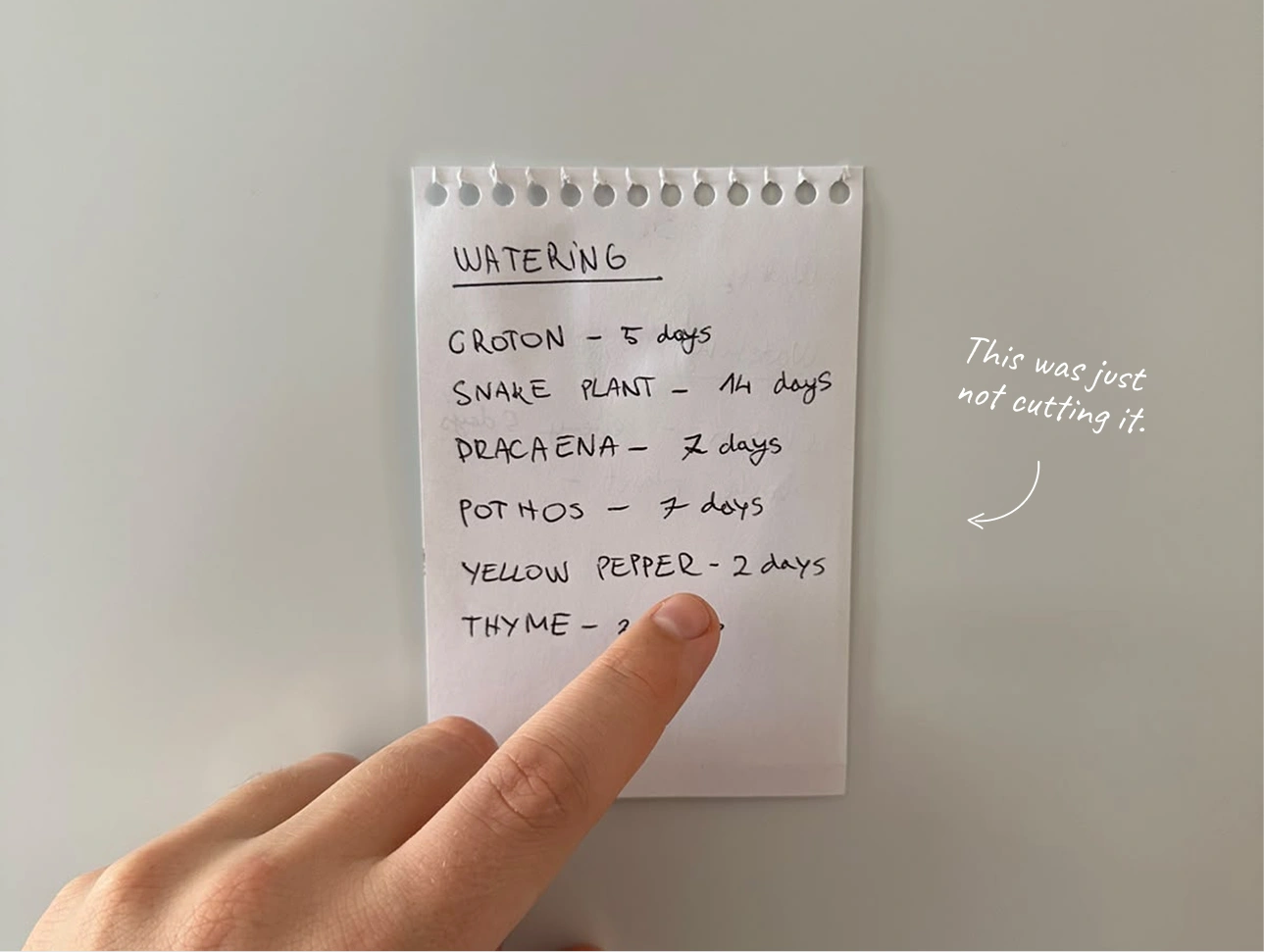
I had plants in different parts of the house and watering notes stuck to the fridge. Then I’d go away for a few days and come back wondering which ones I had watered before I left. It was a small problem, but it happened often enough that I wanted to do something about it.
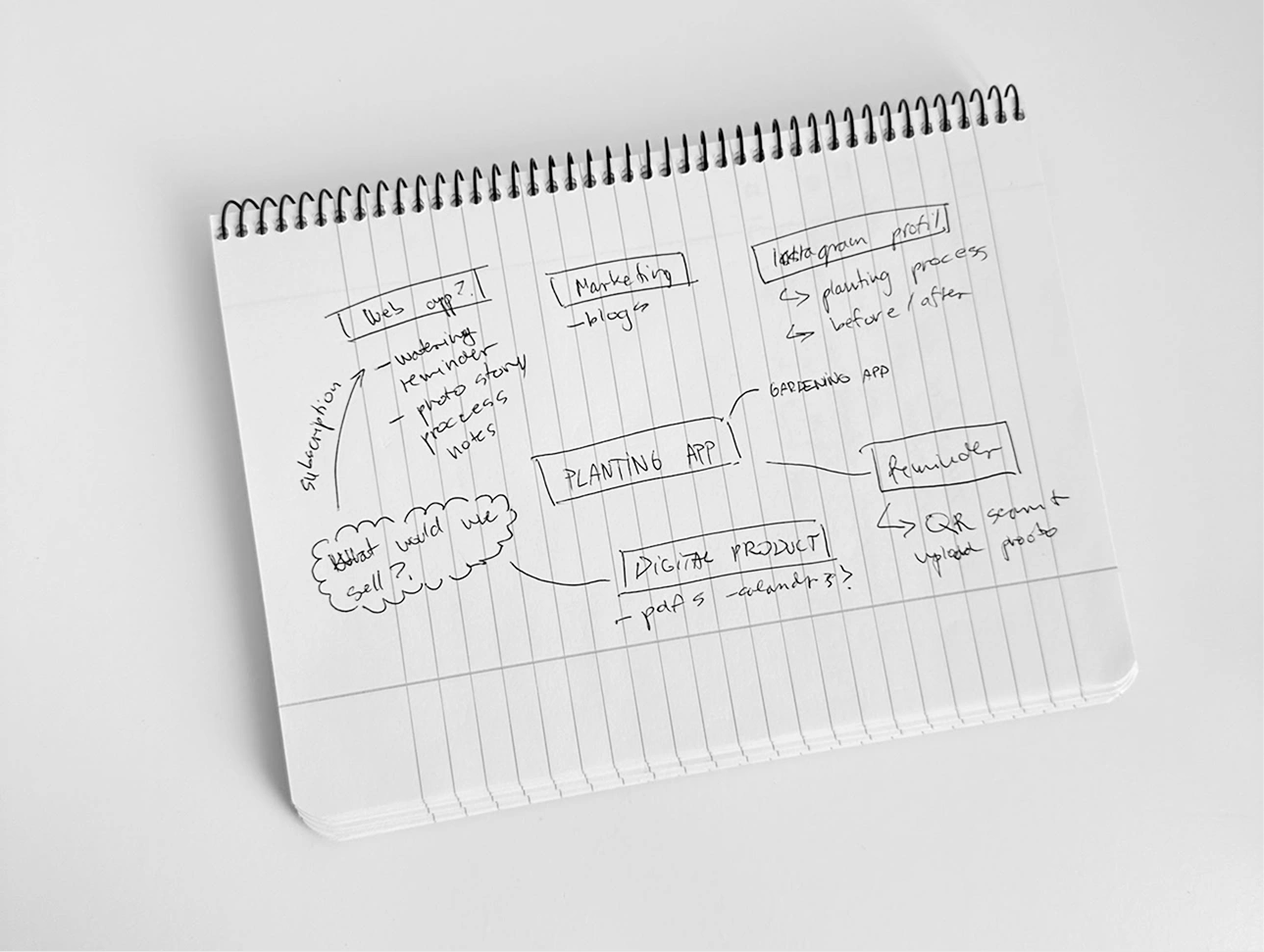
At some point I realised I was spending more time trying to remember the routine than actually taking care of the plants. That was when the idea for Mossumi started.
Problem
Reminders were never enough
You know when you have plants in different spaces and everything is written on paper attached to a fridge? Then you go away on holiday for a few days and forget which day was the last day you watered them. Yes, that was what I was fighting with and that was what made me build the app.
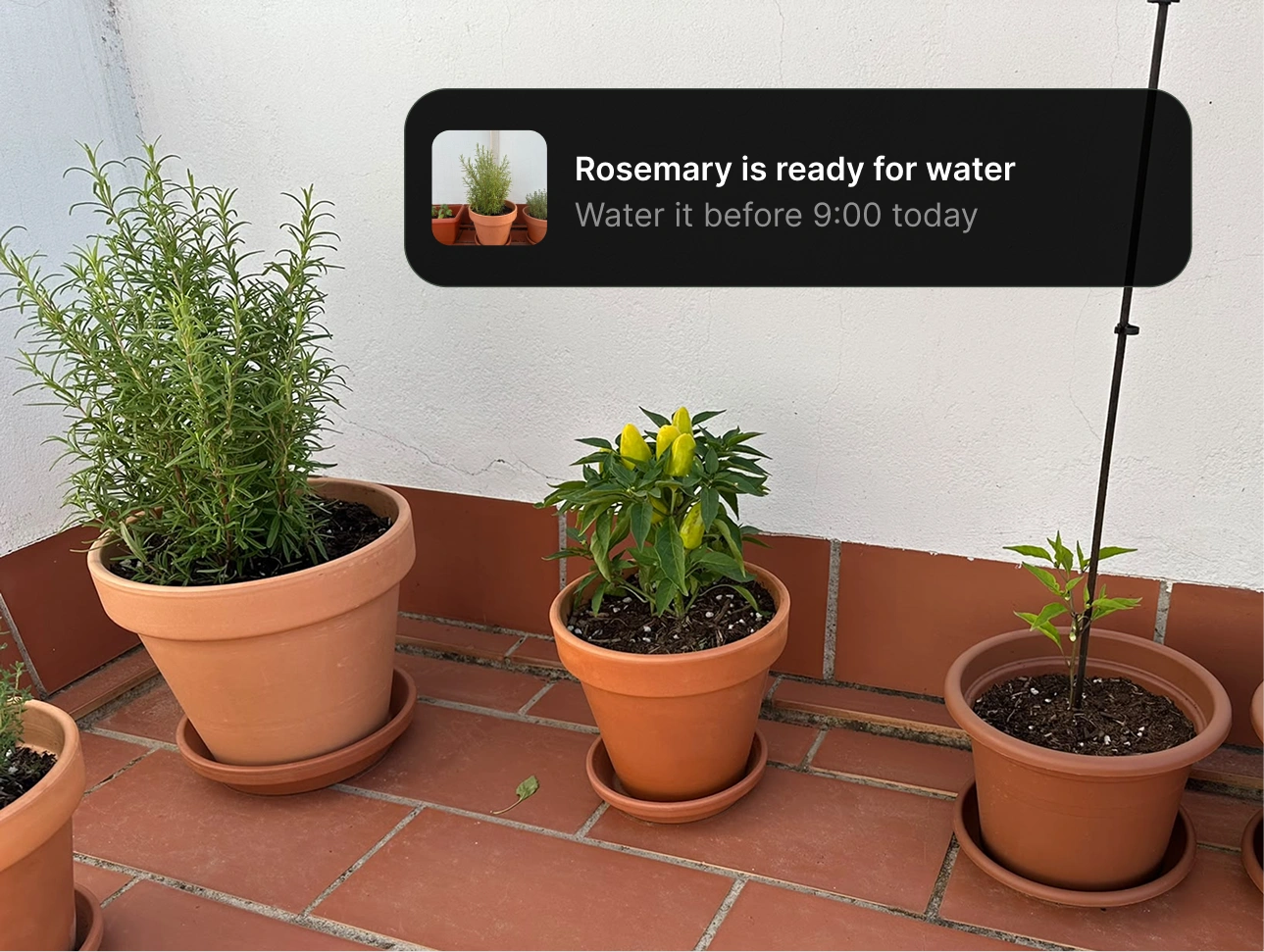
Reminders could tell me that something needed to happen, but they could not tell me which plant it was for or what had already happened. I still had to remember the rest myself.
Challenge
I wanted to build an app I would actually use
The app needed to feel consistent, be easy to use, and stay quick when I moved through it. I also wanted to build the backend (myself) and support different devices from the start. Those were part of the app I had in mind and not features I planned to add once the screens looked good.
It also had to work on mobile and desktop without making one version feel like an afterthought. The same product logic needed to hold together across different screen sizes, from the first care action to the deeper plant history.
Home
The important things come first
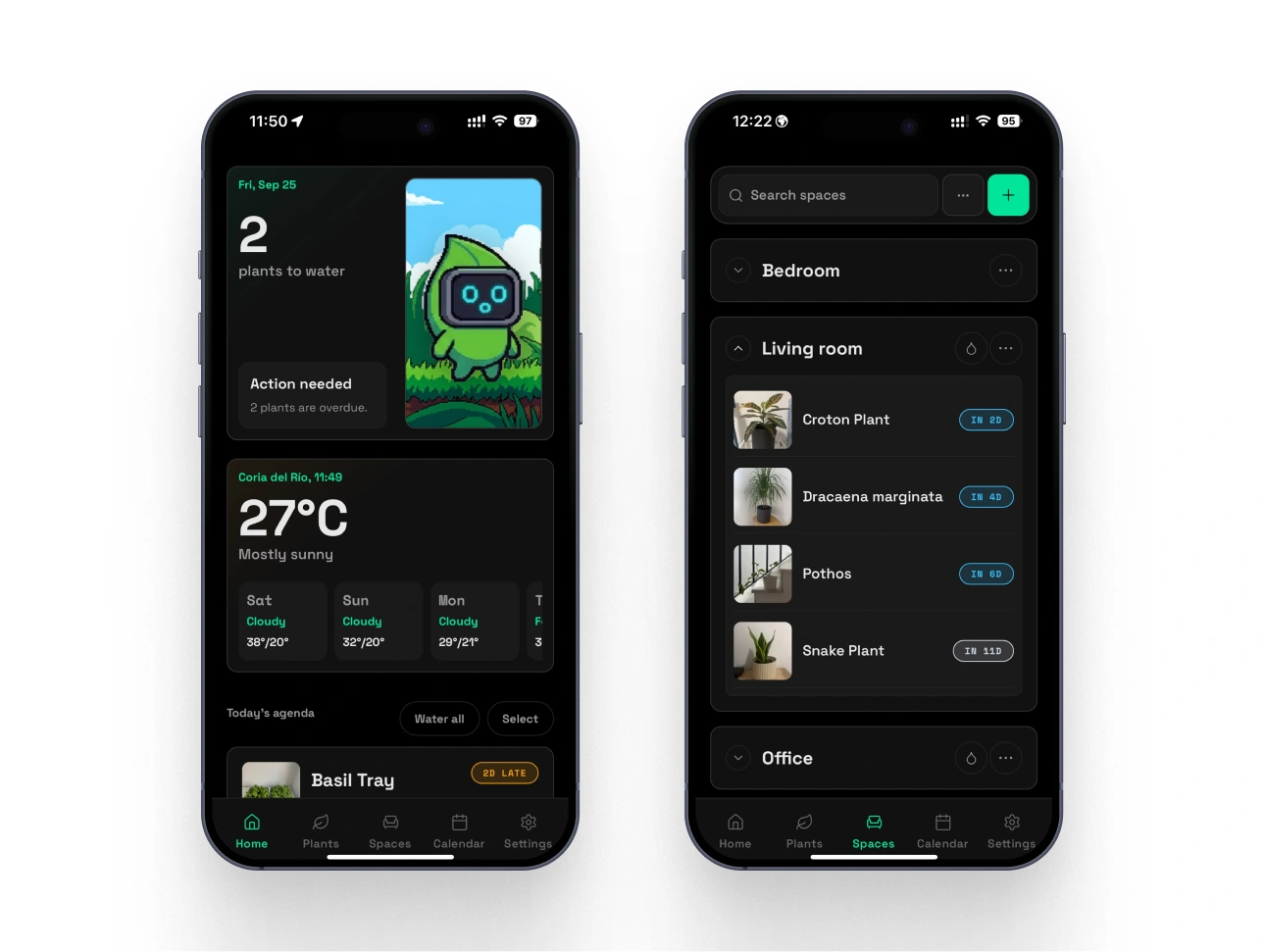
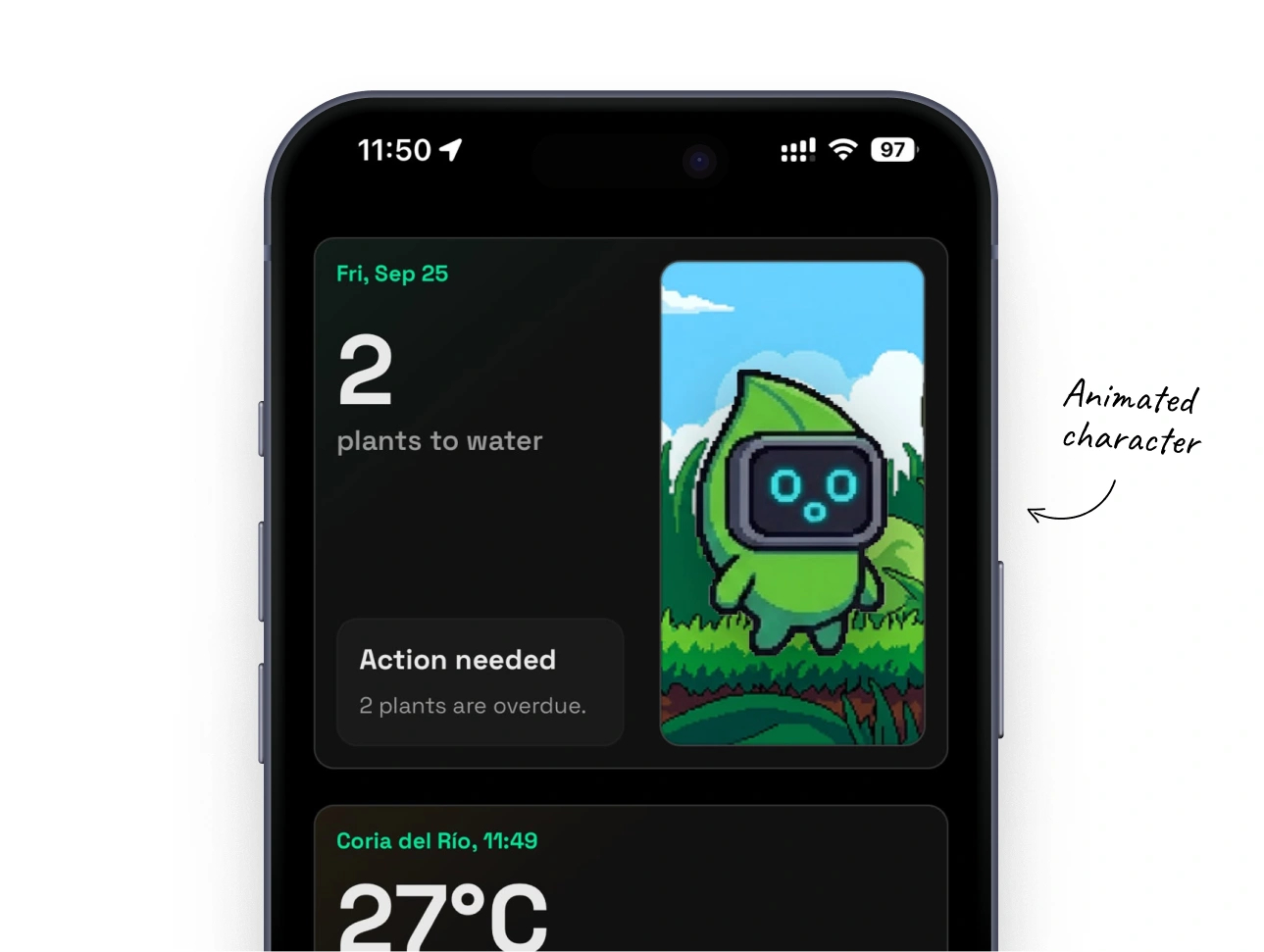
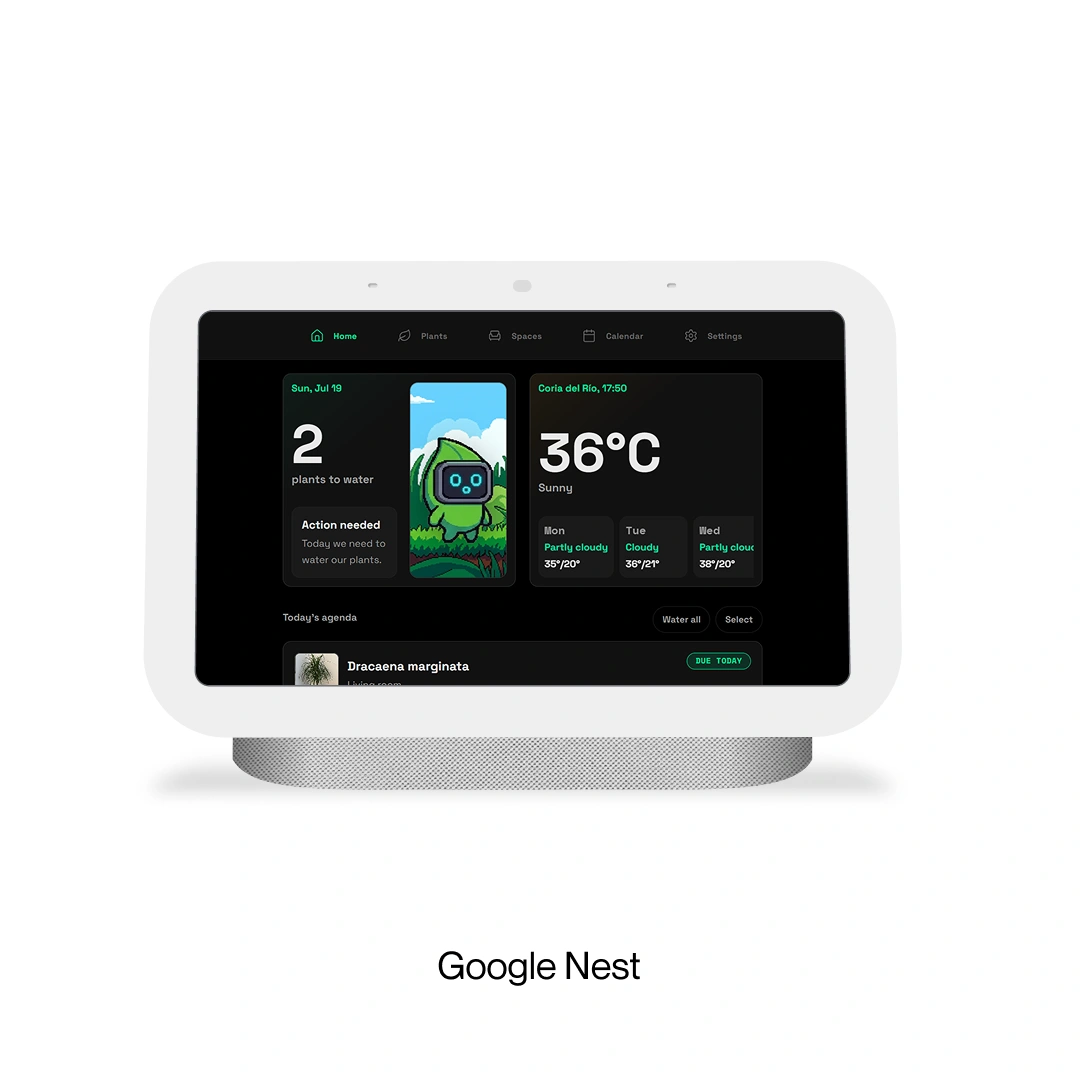
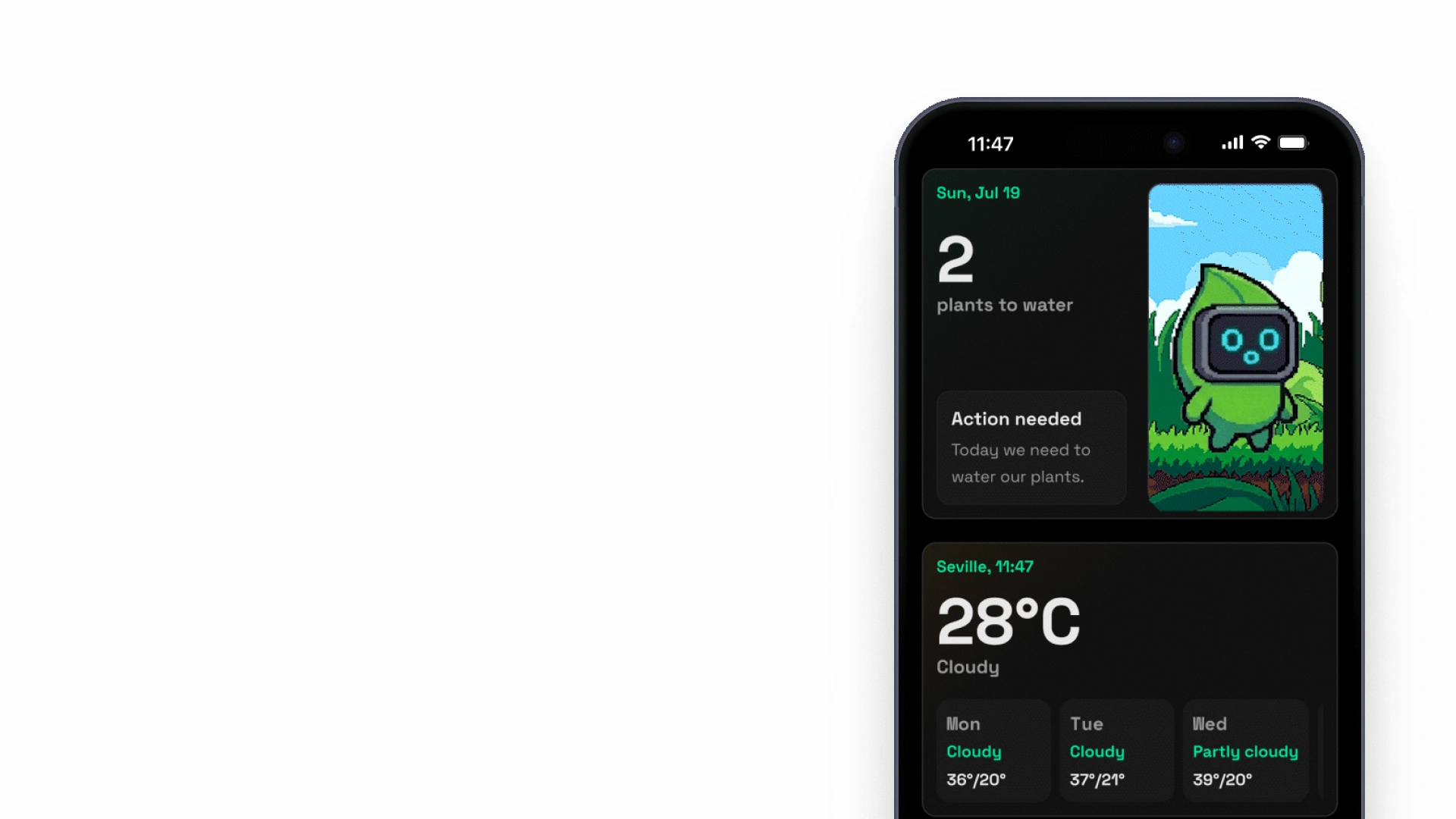
Home shows how many plants need care today, the weather, and recent activity and watering history. I wanted to reach all of that without digging through the app. If I have just watered a plant then checking it in should take about five seconds.
Watering
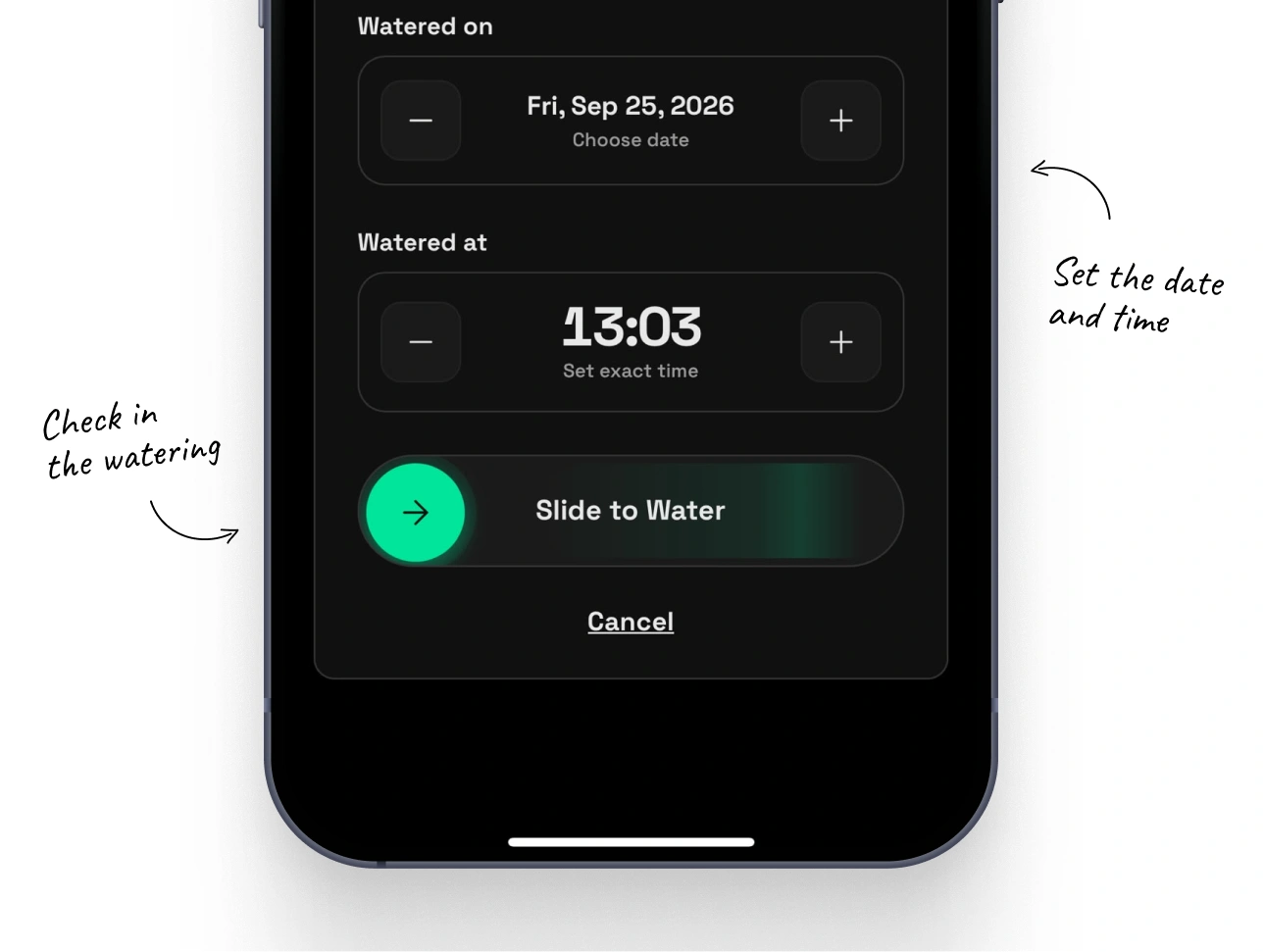
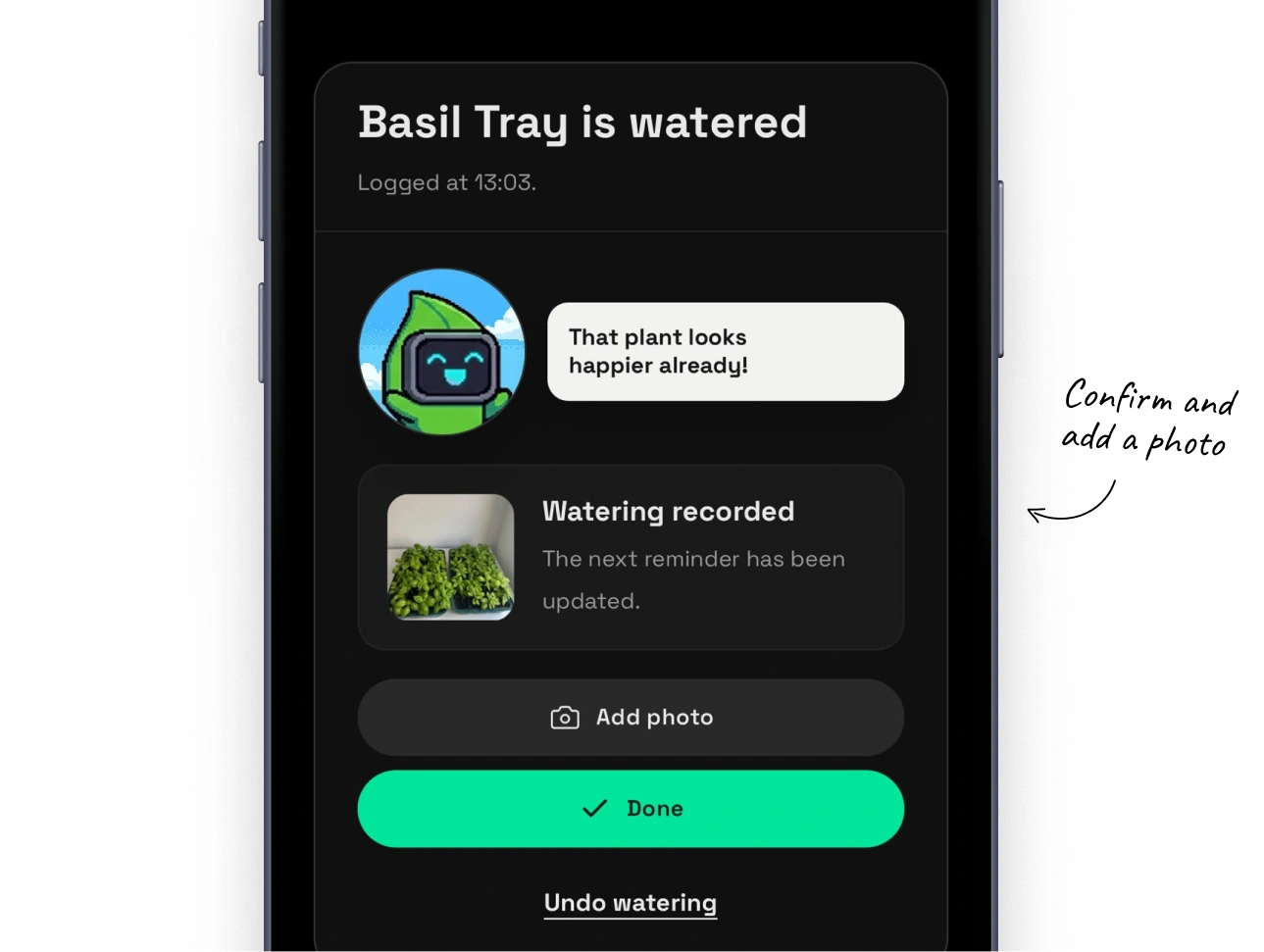
Logging watering with a slide
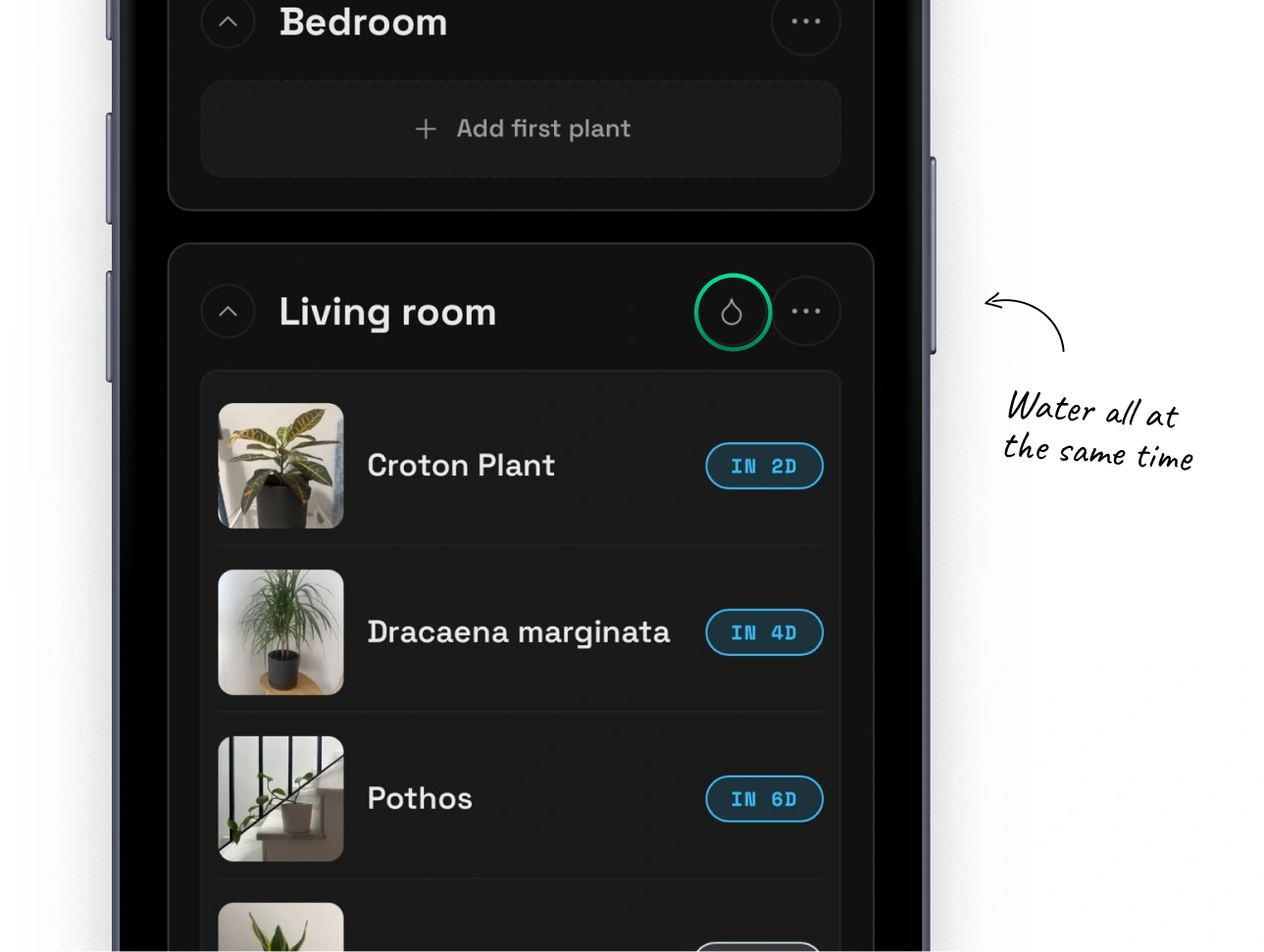
I spent a lot of time thinking about the watering gesture. The idea was to scan an NFC tag or QR code on a plant while standing beside it. At that point, sliding to water felt like the most direct action (and a little more satisfying than another button).
I kept the flow to a few taps and added the option to take a photo of the freshly watered plant at the end.
Plants
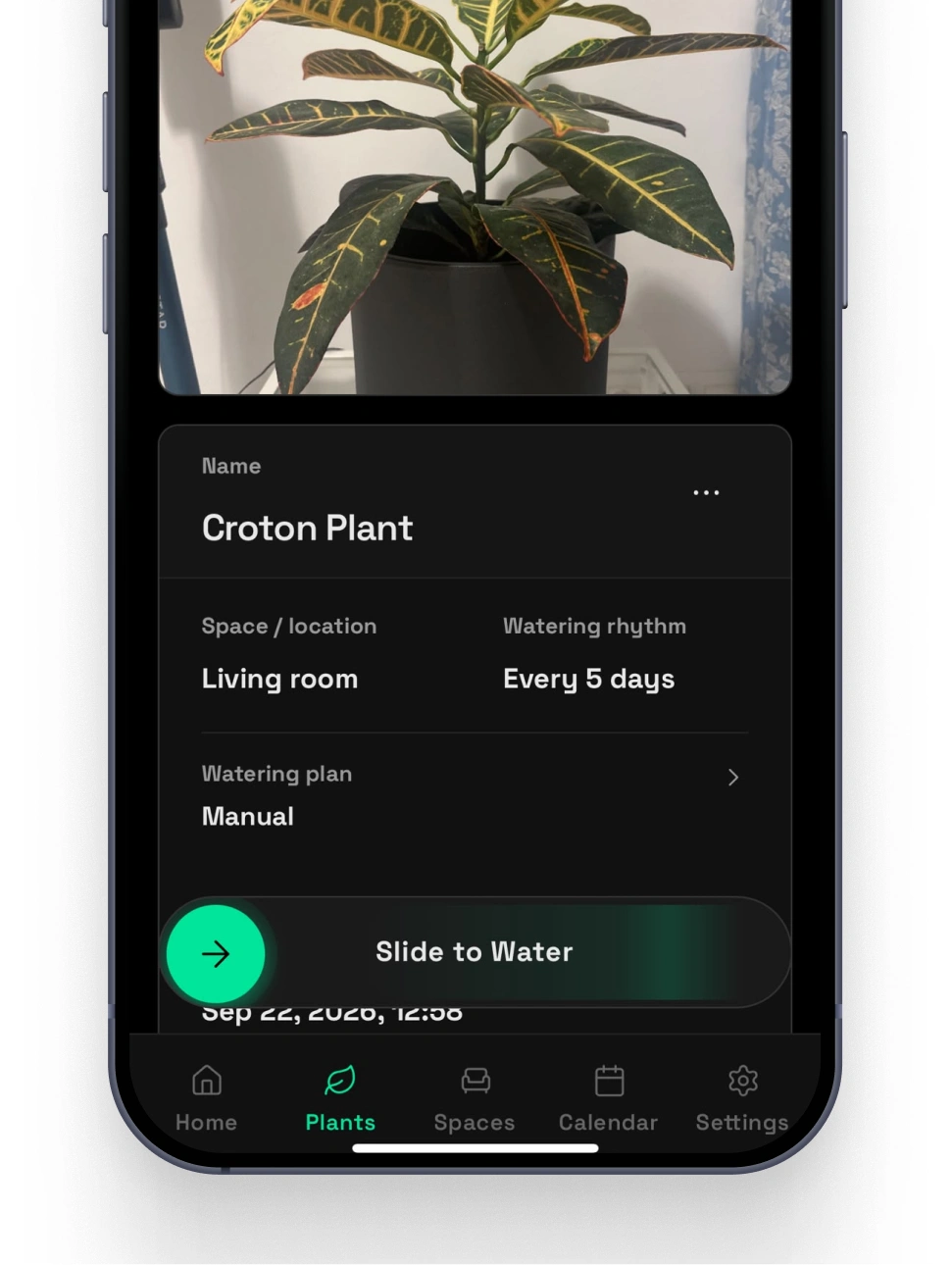
Every plant has its own page
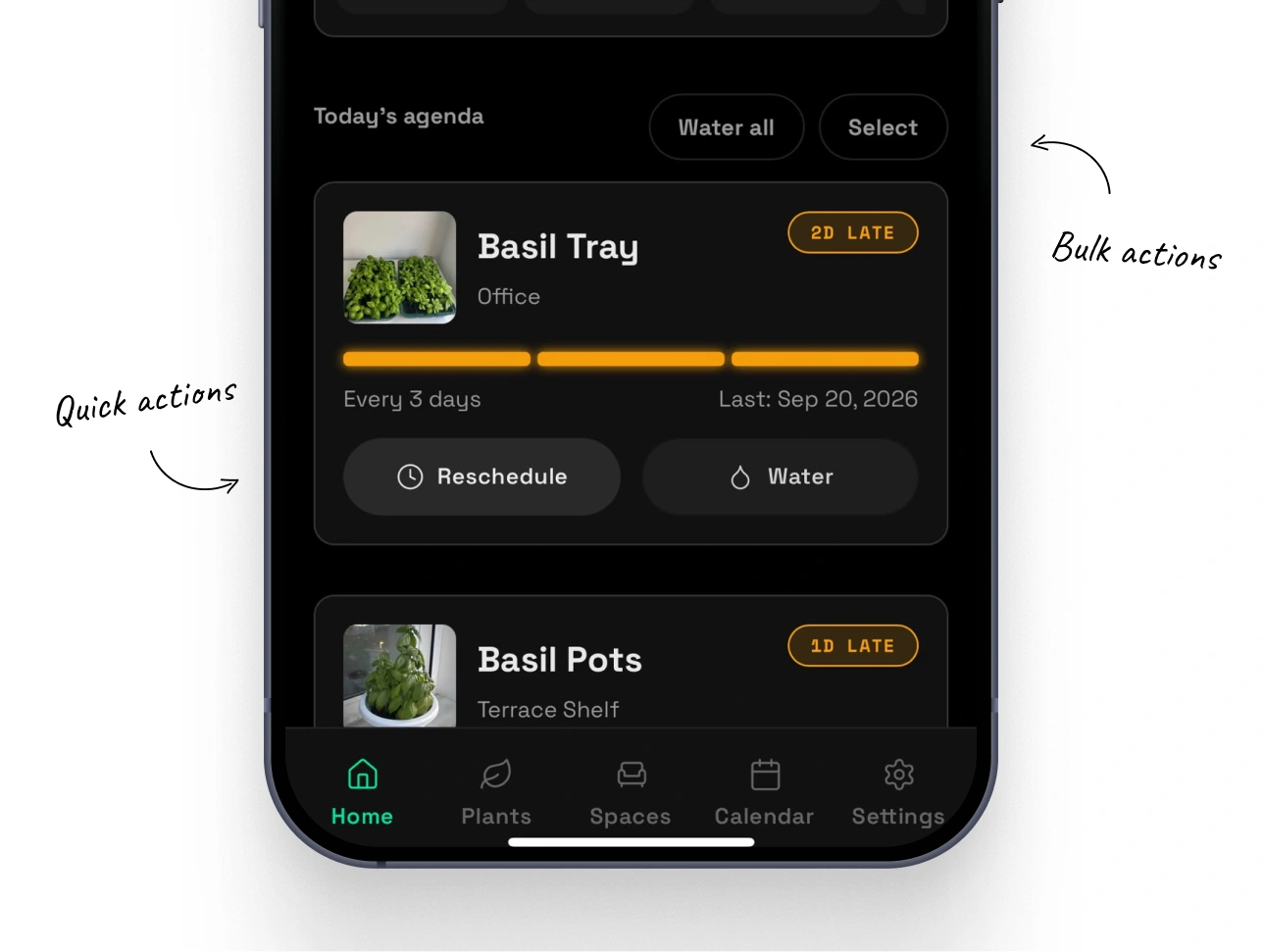
Each plant has its own details, watering rhythm, and timeline. You can see when it was watered, whether a watering was late, and what was rescheduled. You can also adjust its routine and look back through its photos to see how it has grown.
Spaces
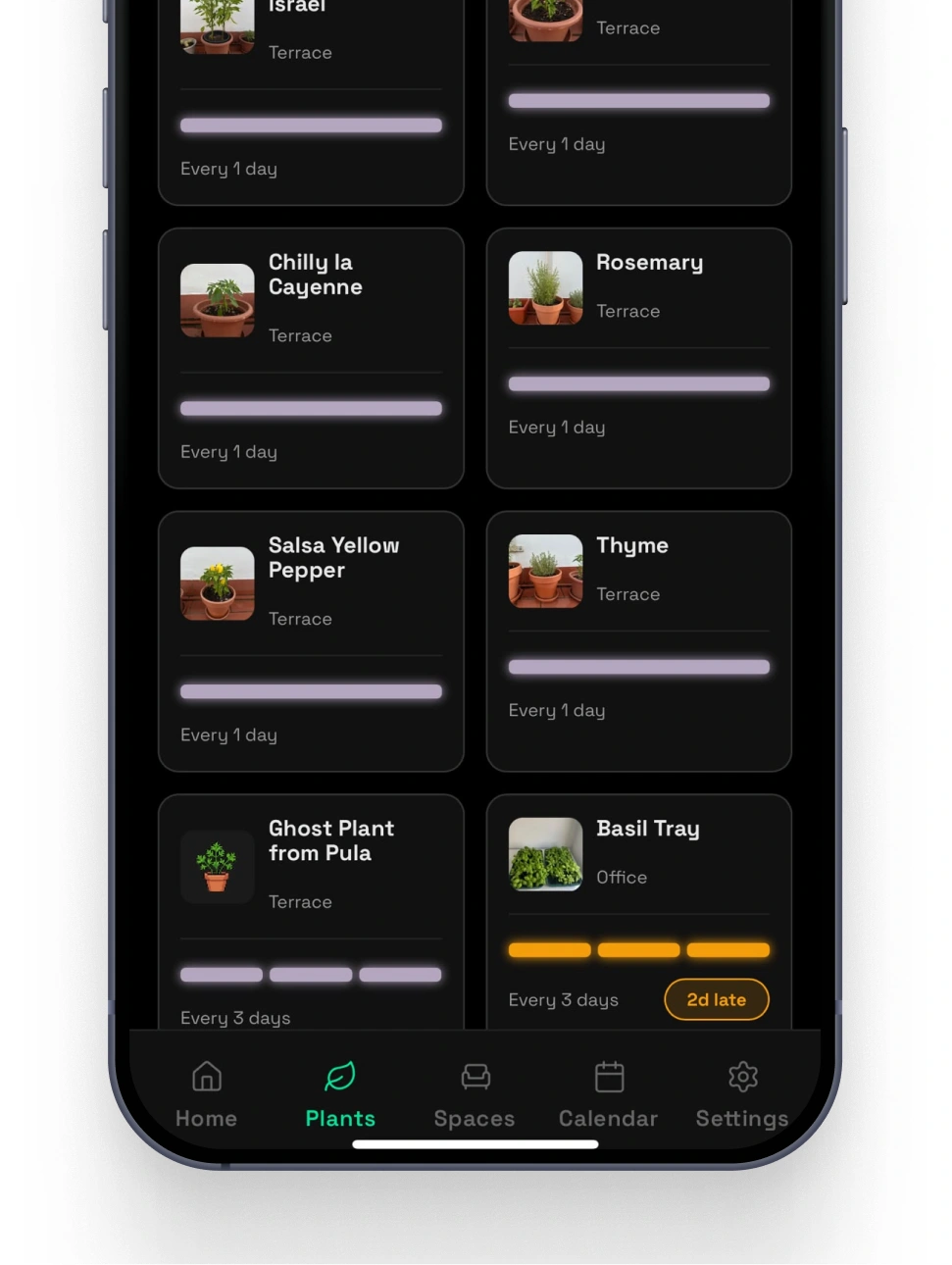
Ten plants on the terrace with one check-in
Spaces is my favourite part of the app. If you water plants on the terrace at once then checking them in one by one makes no sense. Spaces lets you organise plants by location, group them, and log watering for several plants together.
Automation
What if I go away for a month?
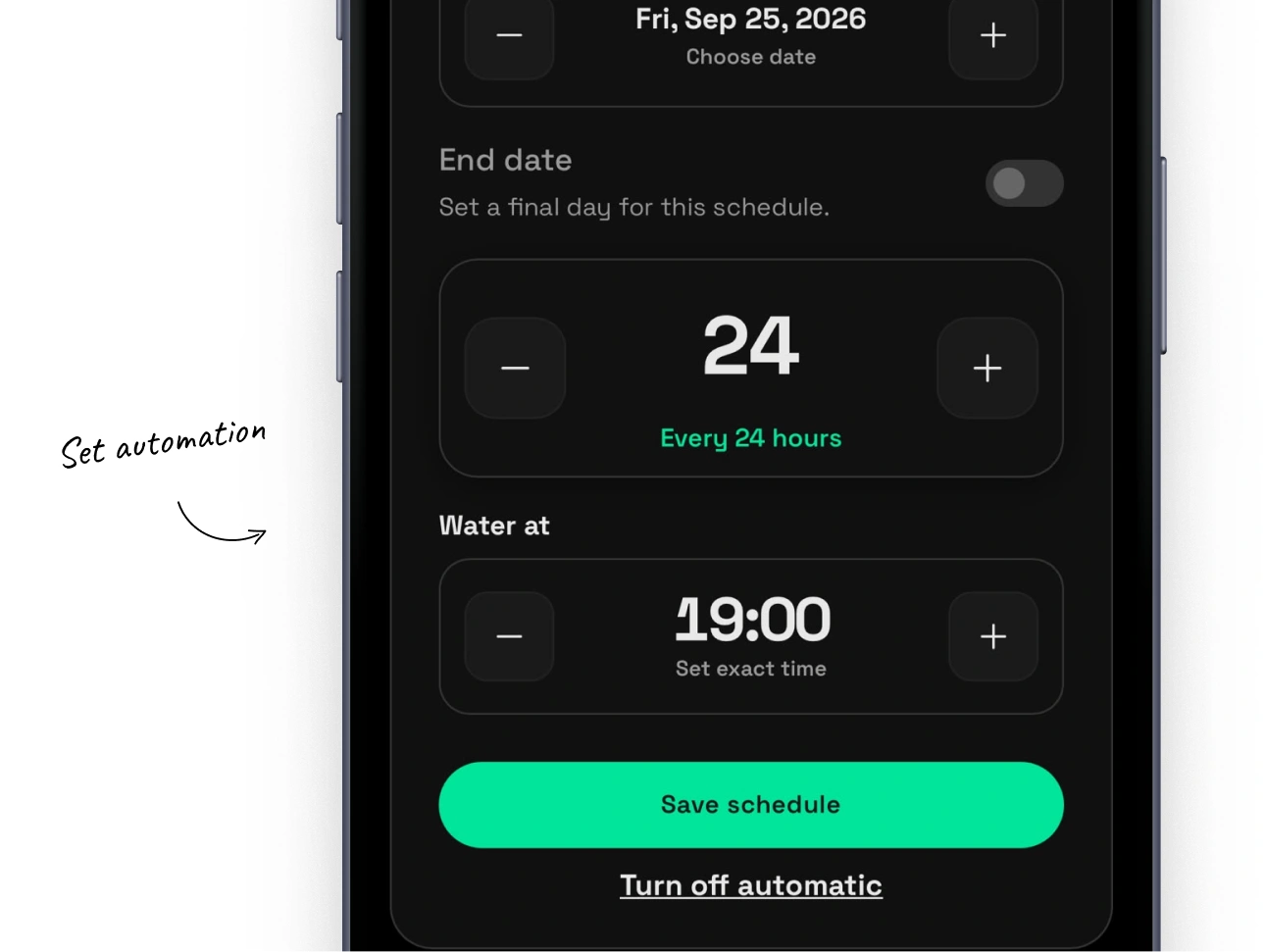
When I went away for a month, I set up an automatic watering machine for a group of plants. It watered them for five minutes every 12 hours. The plants were taken care of, but Mossumi still needed to understand that their usual routine had changed.
I can group those plants inside a Space and set the period when automatic watering is active. During that time, Mossumi stops sending their usual watering reminders. Once the period ends, the normal routine can pick up again.
Calendar
Seeing what’s coming up
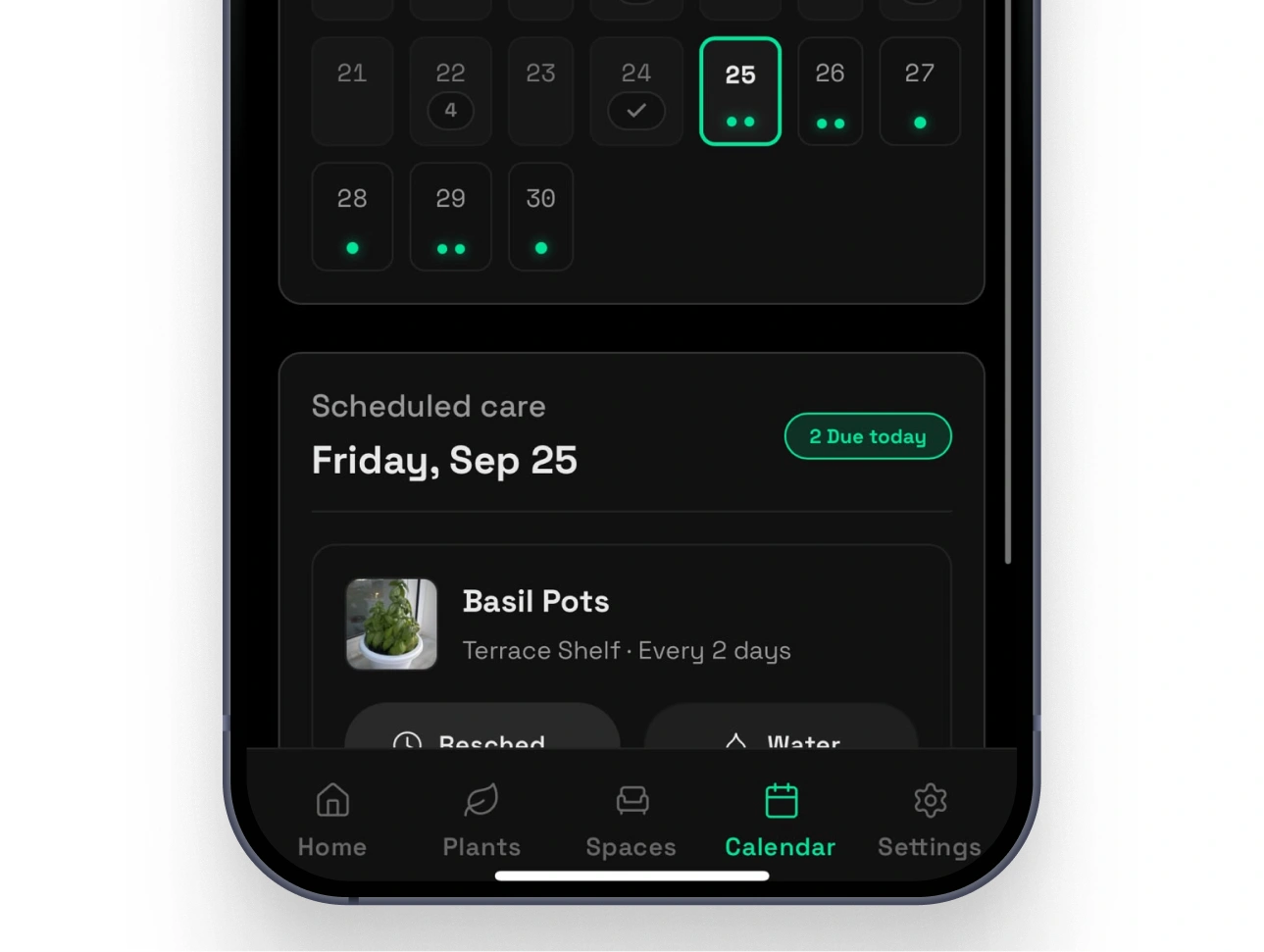
I added a calendar to preview waterings across all my plants, day by day. If something changes, I can reschedule from there instead of opening every plant to work out what needs moving.
Responsive
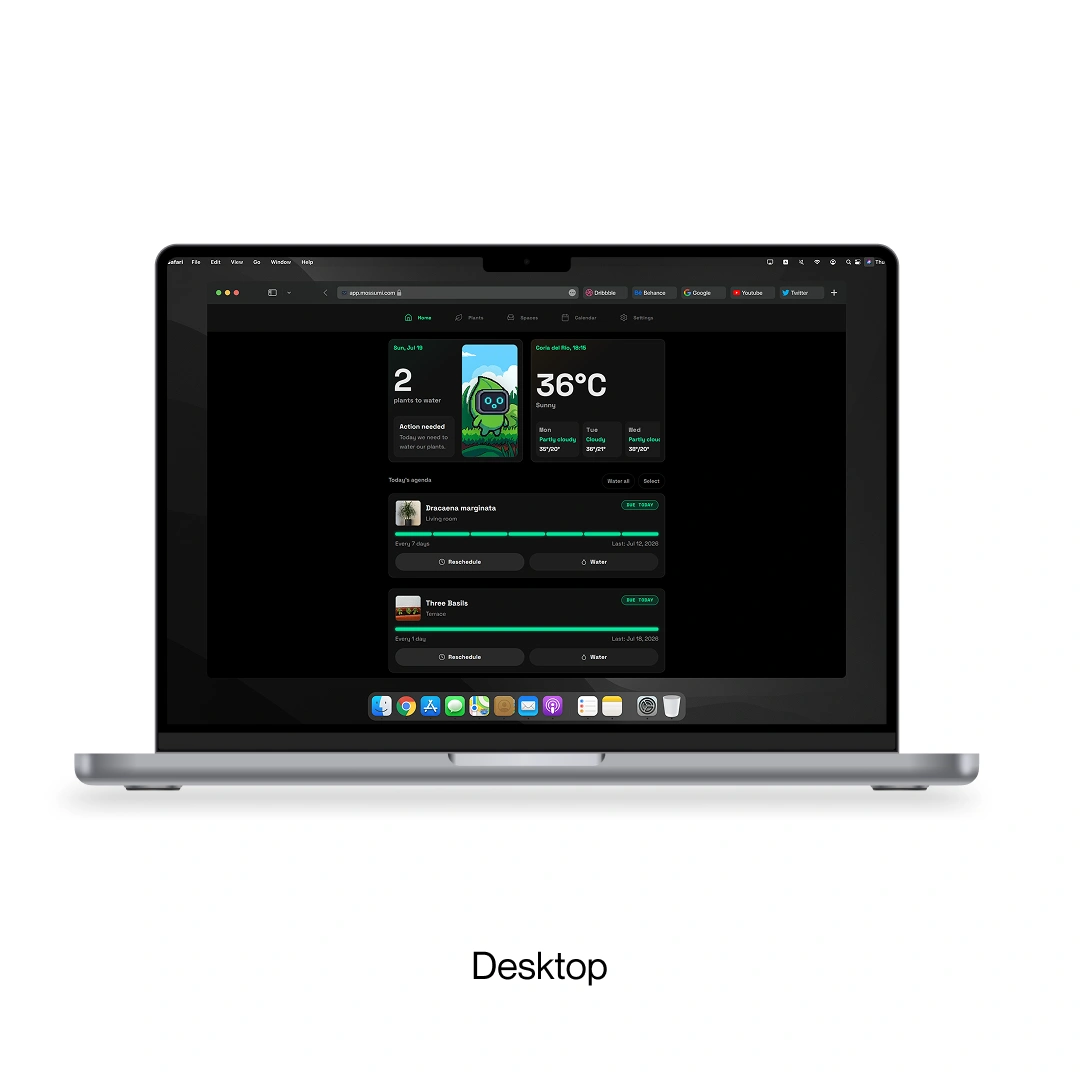
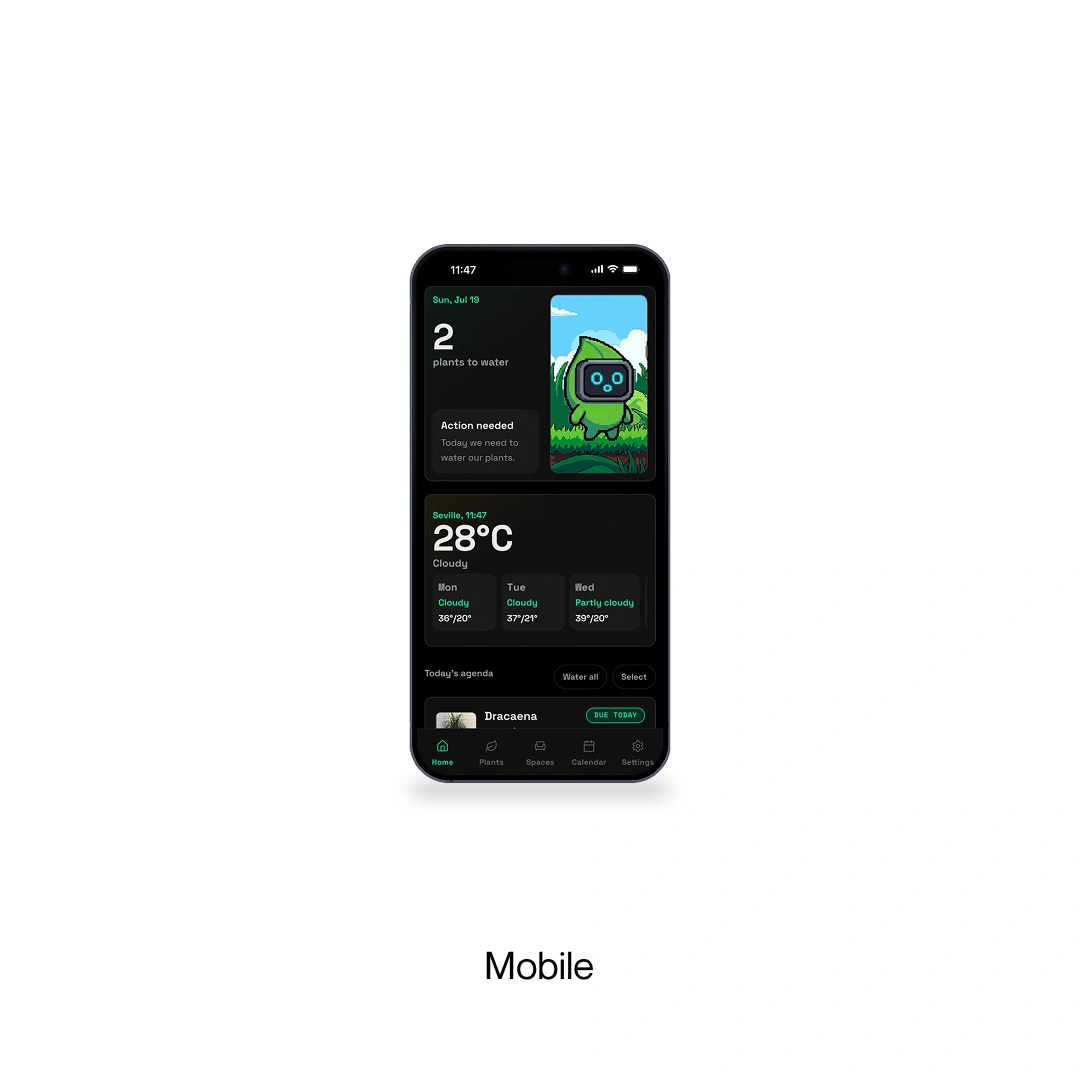
Working across different devices
I designed the layouts and interactions for all those different screens.
Landing page
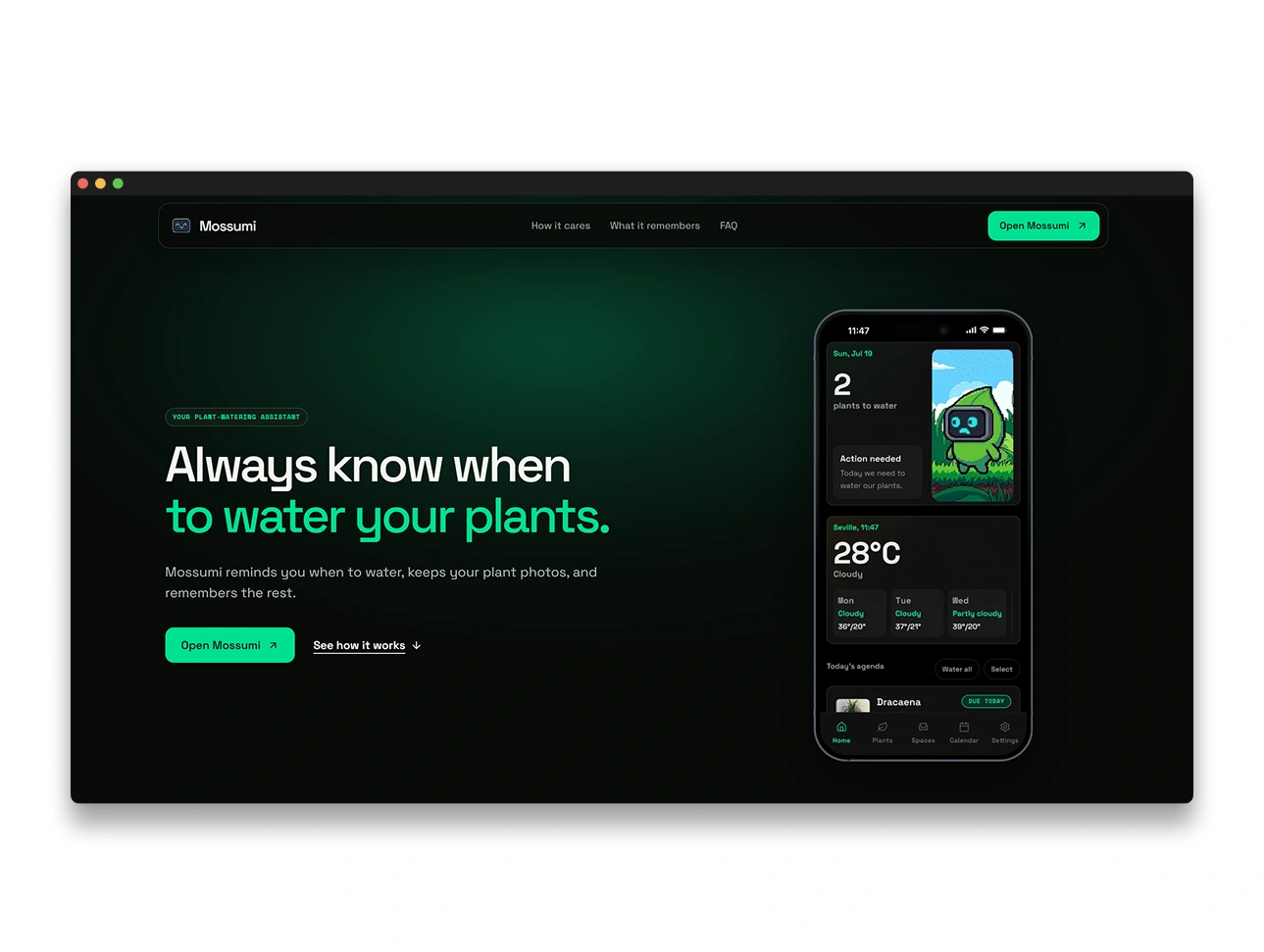
Explaining the app on the web
After building the app, I designed a landing page to show what Mossumi does and why it exists. It gave the branding, copy, and product visuals a place to come together, and helped me explain the idea to someone seeing it for the first time.
Learnings
I started thinking like a design engineer
With this project, I learned how to work with design systems and stay consistent across a whole app. I had to think about the app branding, copywriting, interface, and all the small decisions that make the product feel like one thing.
The biggest part was developing everything myself, from the frontend to the backend. I did not only design the product. I had to make it work too. That is where I started moving from a designer towards a design engineer.